Sign in (Web version only)
To use the Mandala AI Web version, you must sign in to the Google account.
There are two steps to signing in:
1. Sign in to the Web AI
Access the web AI URL "https://ai.mandalachart.com/"
Click the "Sign in as Web" button that appears.
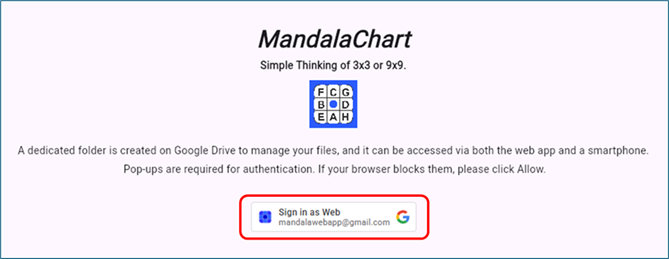
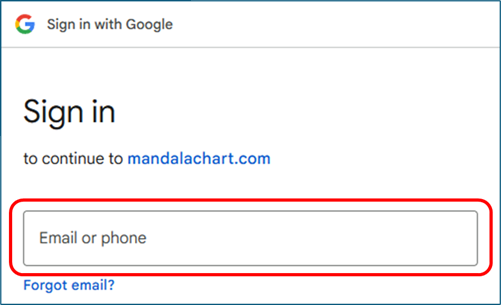
The Google sign in screen will appear, so enter your Google account
(email address).
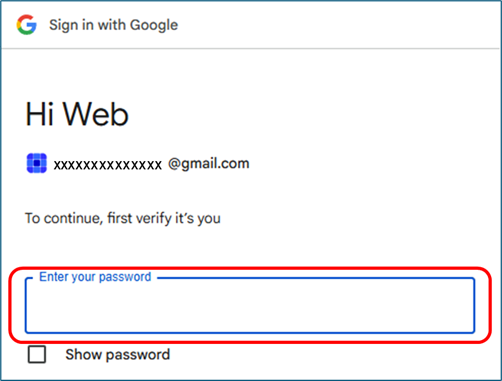
Next, enter your password.
From the second time onwards, you can skip this step by selecting
your account from this pop-up screen.
② Confirm Google Drive access (if prompted)
After "Sign in with Google," the "Allow access to Google
Drive"
message will appear.
Click it.
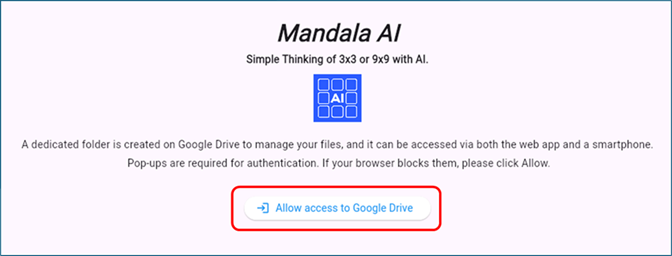
As in step ①, log in with your Google email address and password.
* This eliminates the need to set up exceptions for pop-up blocking
in Google Chrome.