Overall display (9 x 9)
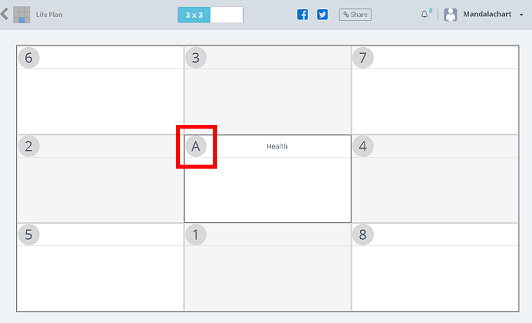
By clicking on the [3 X 3] icon at the top of the screen, you can list
all the top and bottom cells. (9 × 9 type chart)
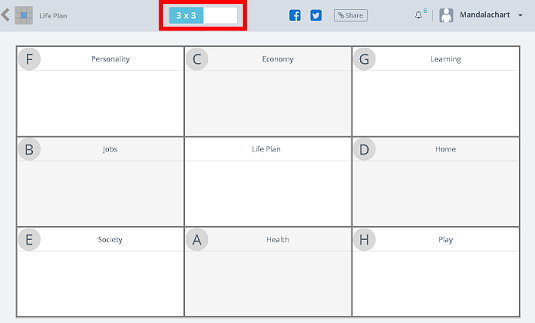
It will change to the overall display of 9 x 9.
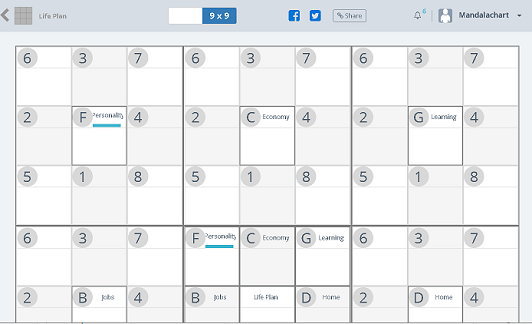
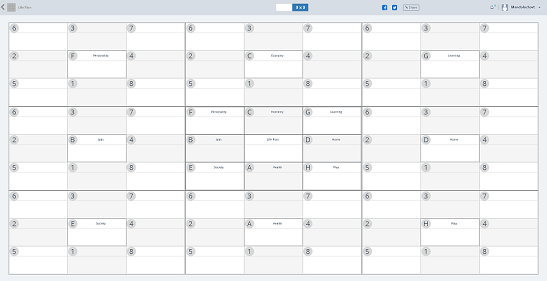
You can display the whole by changing the display size of the browser.
Example: Hold down the [Ctrl] key and move the scroll button of the mouse. It may differ depending on the browser.
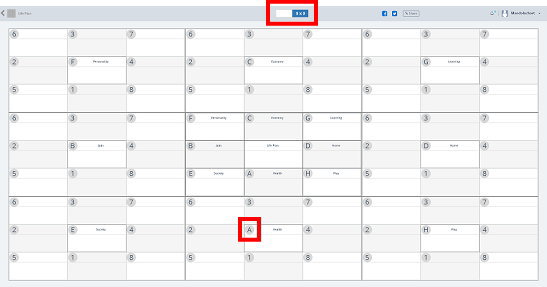
If you click the alphabet of the cell you want to view details, it will move to the details screen (3 x 3) .
Also, clicking on the [9 x 9] icon at the top of the screen returns you to the upper layer.
Please change the display size of the browser if necessary.
MandalachartR is a registered trademark of Clover Management Research Institute Co., Ltd.
Please change the display size of the browser if necessary.
MandalachartR is a registered trademark of Clover Management Research Institute Co., Ltd.