Copy, Rename, Delete
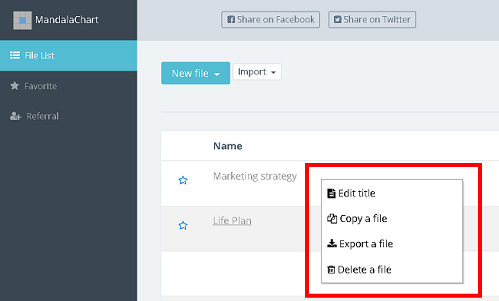
The following processing can also be performed from the pop-up menu displayed
by right-clicking the corresponding file in the file list on the personal
computer.
Copy
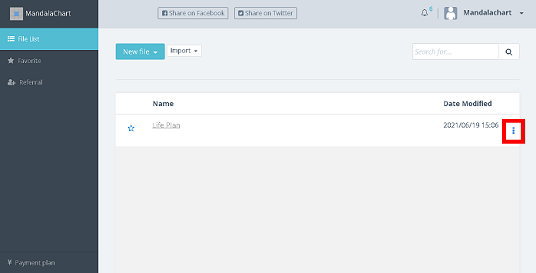
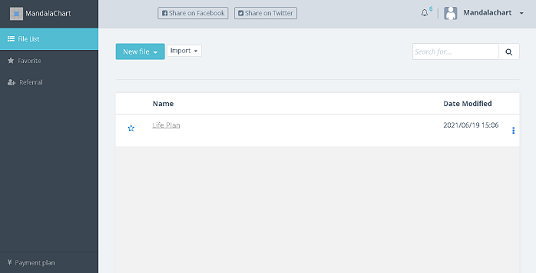
Click [ ] on the right side of the file name when you want to copy in the file
list.
] on the right side of the file name when you want to copy in the file
list.
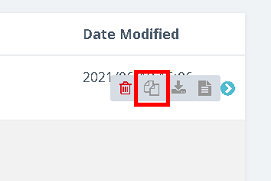
The file operation icon is displayed. Click the [File Copy] icon.
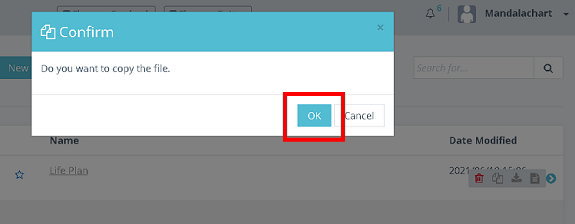
A confirmation screen will be displayed. Click [OK] if you like.
You will have a file with "copy" in its original name.
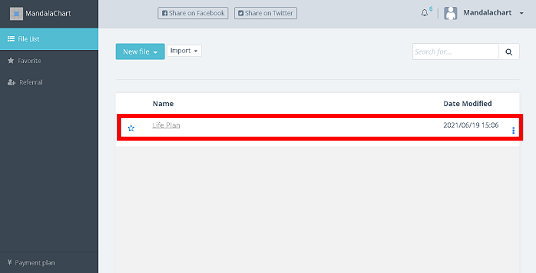
Rename
Click [] on the right side of the file name when you want to rename in the file
list.
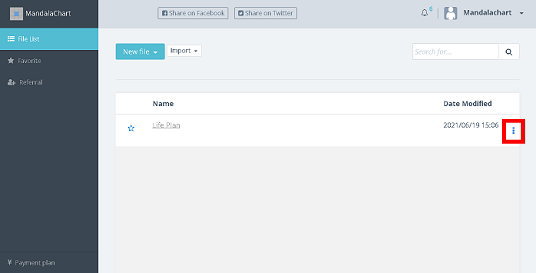
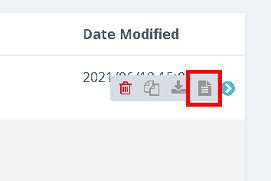
The [Delete a file] [Copy a file] [Rename] icon is displayed.
Click the [Rename] icon.
Rename it and click [OK].
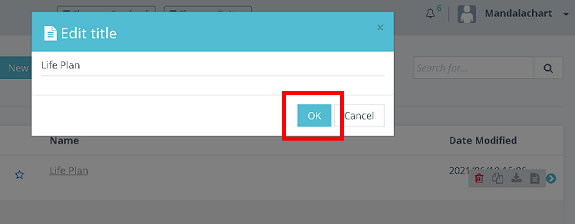
The name will be changed.
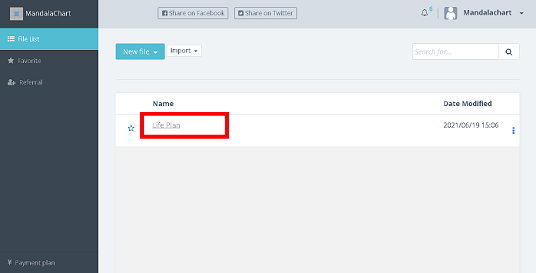
Delete
Click [] on the right side of the file name you want to delete in the file list.
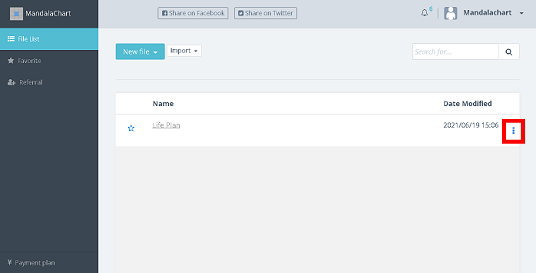
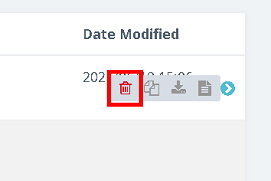
The file operation icon is displayed. Click the [Delete File] icon.
A confirmation screen will be displayed. Click [OK] if you like.
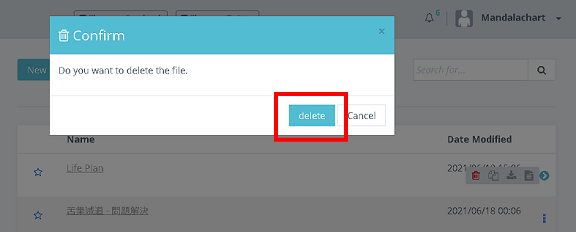
Attention!
Deleting it can not be undone.
MandalachartR is a registered trademark of Clover Management Research Institute Co., Ltd.