Excel Export (Pro version only)
Export the chart data of Mandala App as an Microsoft Excel
file.
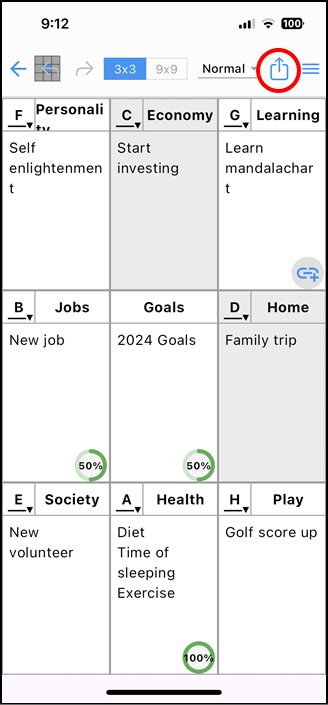
Tap the icon [ ] in the upper right corner of the editing screen.
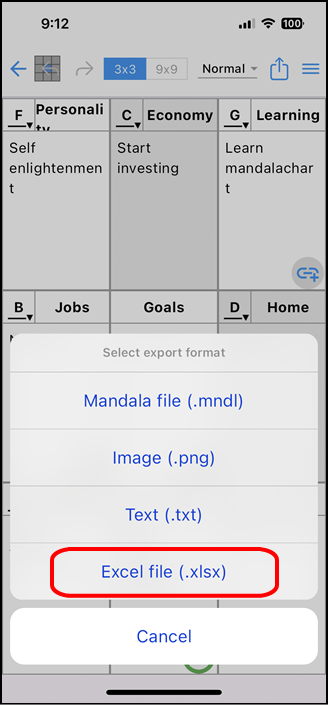
A pop-up window will appear to select the file format. Tap [File for Excel
(.xlsx)].
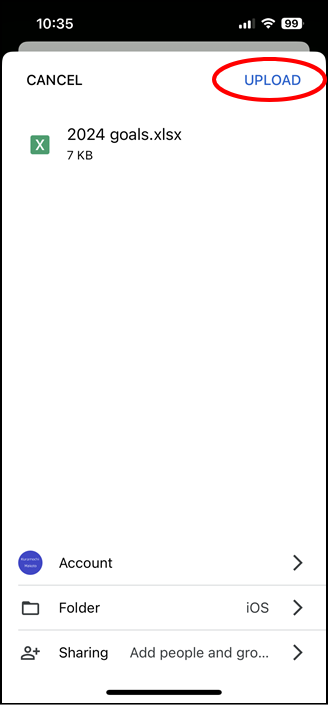
Specify a location to save the file and tap [UPLOAD].
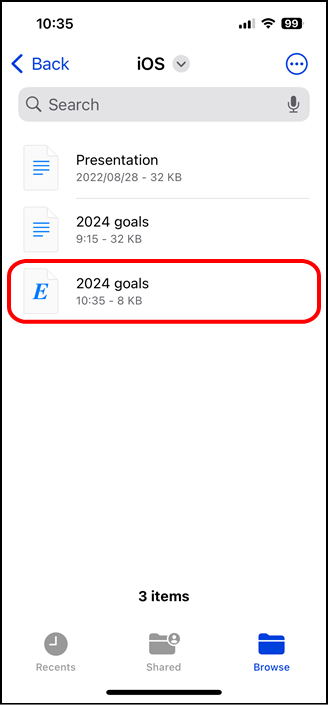
It will be saved in the location you specified.