Display Order
Specify the order in which the chart file list is displayed, in order of
last modified date or file name.
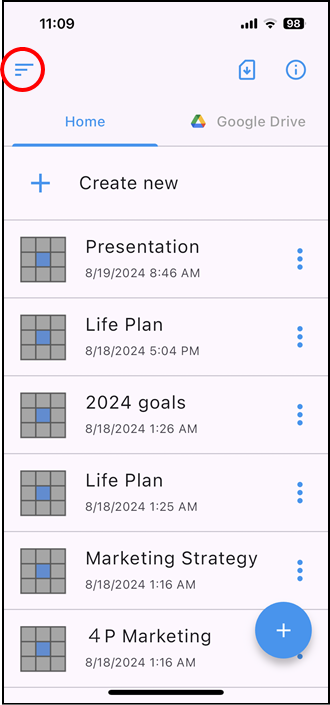
Tap [ ] in the upper left corner of the file list screen.
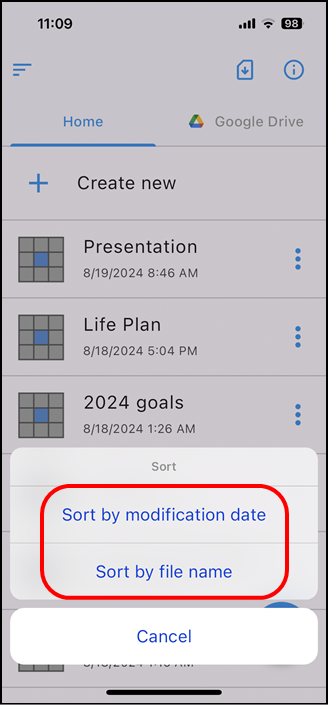
The following order specification is displayed at the bottom of the screen,
so specify either [sort by modification date] or [sort by file name].