PDF Export
Export chart as PDF
Exports the chart in PDF format.
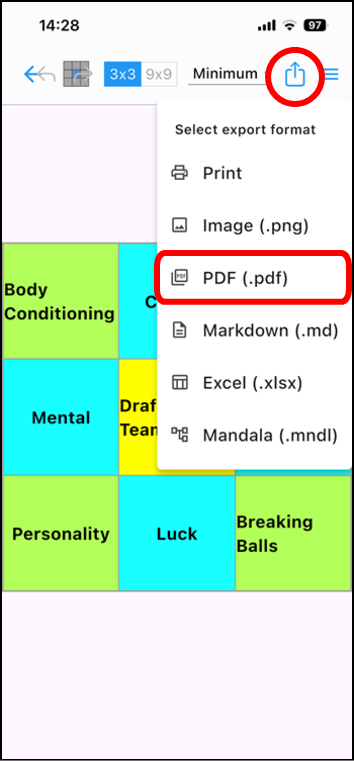
Tap the icon [ ] in the upper right corner of the editing screen.
Next, tap [PDF (.pdf)] from the drop-down list.
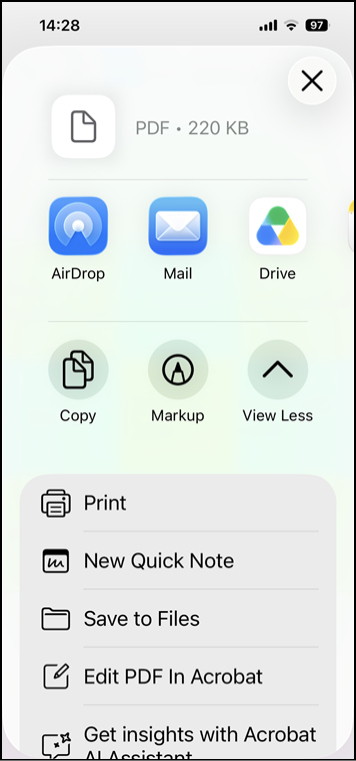
Specify how to handle the created PDF file, such as saving it to a file or sending it via email.
* Progress icons are not displayed.