Print to a network printer.
It outputs to a network printer in a 9x9 minimum format.
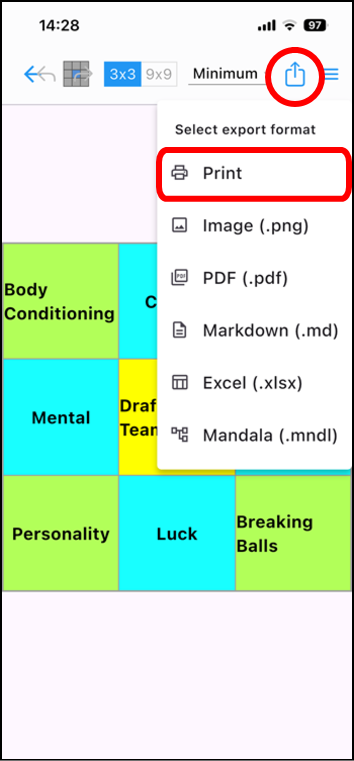
Tap the icon [ ] in the upper right corner of the editing screen.
Next, tap [Print] from the pull-down list.
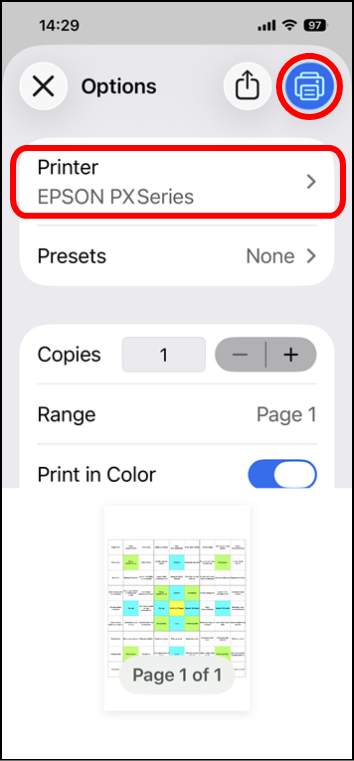
Available printers are displayed under [Printer].
(If there are multiple printers, tap [Printer] to select one.)
Tap the printer icon in the top right corner to print.
* Progress icons are not displayed in the output.